
Download Crosswordle – free online word puzzle, Sudoku‑style Wordle
Overview
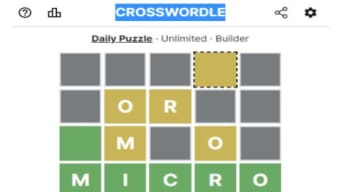
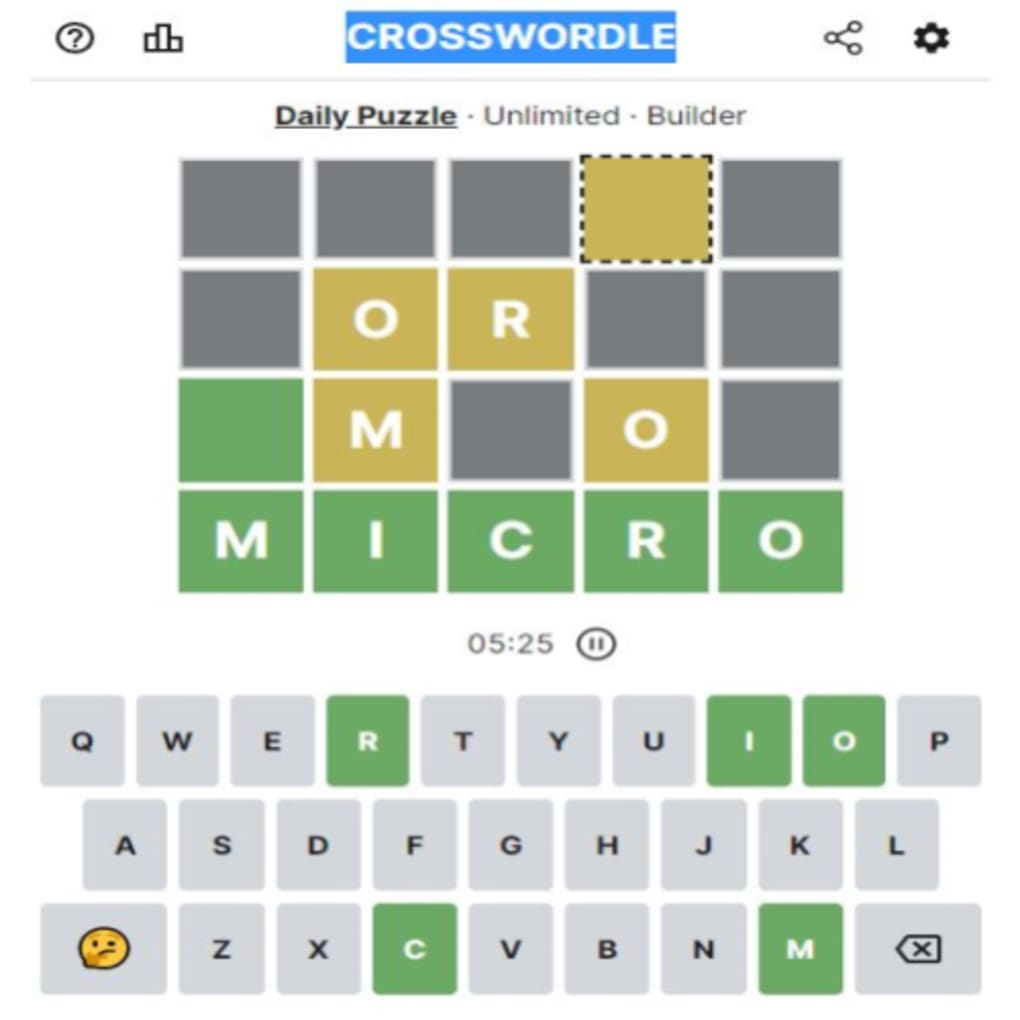
Crosswordle is a fresh take on the viral word‑guessing craze that started with Wordle. Developed exclusively for web browsers, this free game fuses the familiar green‑yellow‑gray feedback system with a Sudoku‑inspired grid layout, turning a simple five‑letter challenge into a tangled crossword‑style brain teaser. When you first launch Crosswordle, you are presented with a partially filled grid and a single “final row” at the bottom of the screen.
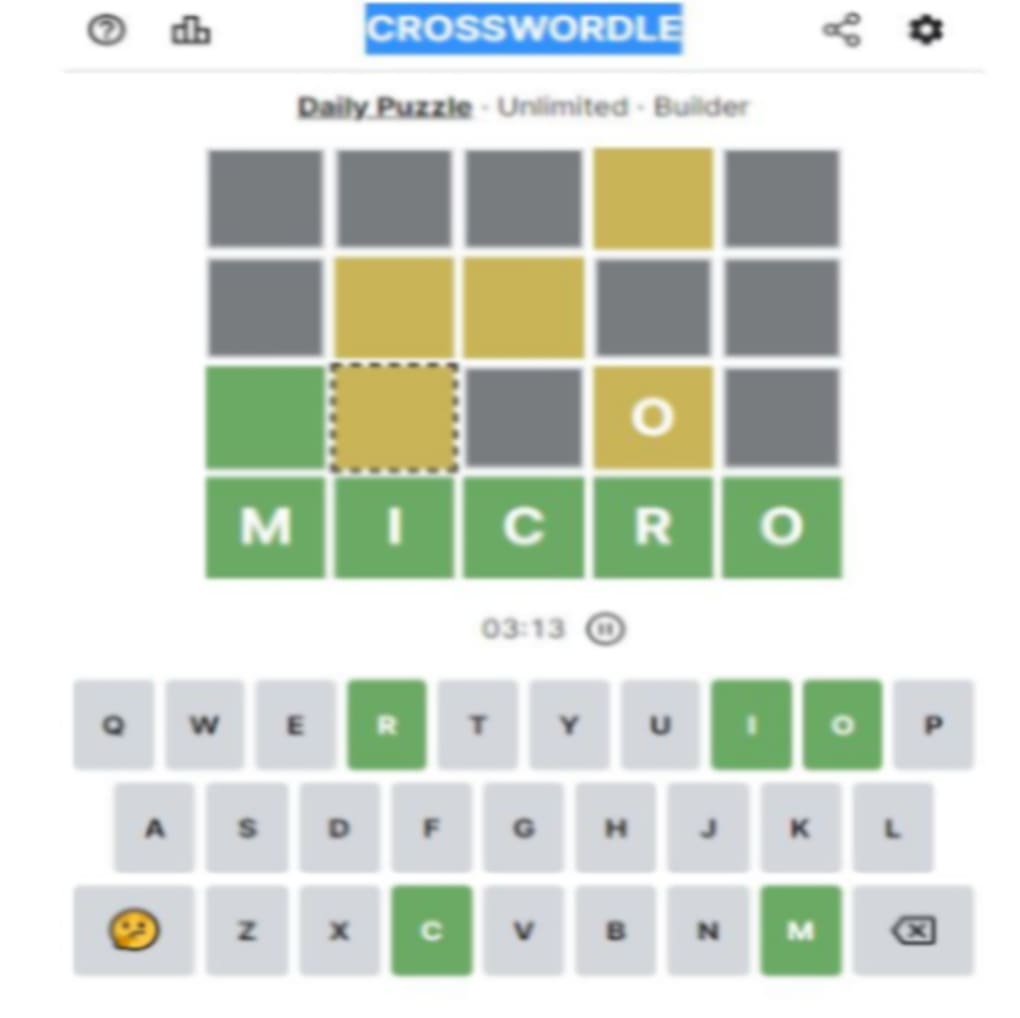
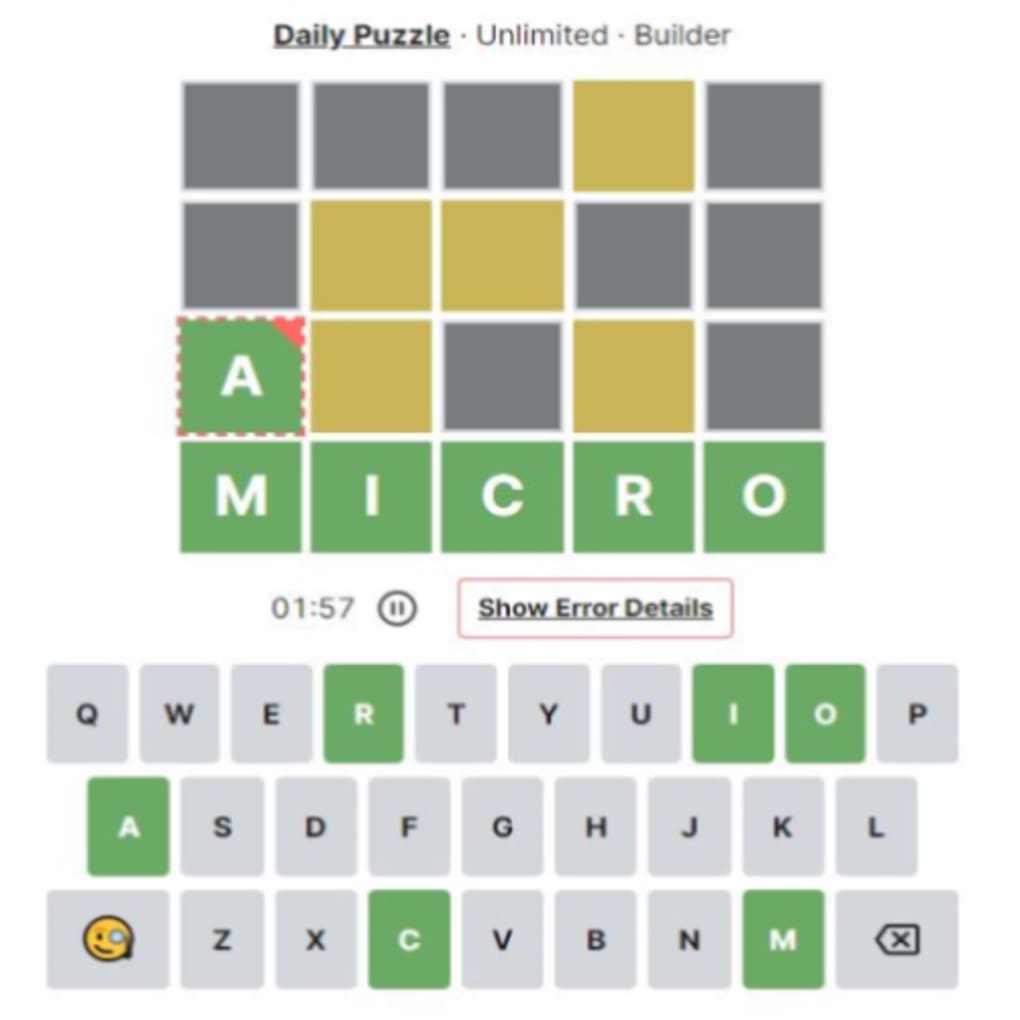
Your mission is to fill the remaining cells so that every horizontal and vertical word aligns with the hidden final row. The color cues work exactly like Wordle’s: a green tile means the letter is in the correct column of the final row, yellow signals that the letter exists in the final row but in a different column, and gray indicates the letter does not appear at all. The game offers three distinct modes – Daily, Unlimited, and Builder – each catering to different play styles.
Daily mode delivers a single puzzle to the whole community each day, Unlimited lets you keep solving new grids without a time limit, and Builder empowers you to design custom crosswordle challenges for friends or for personal practice. While the experience is entirely browser‑based and requires an active internet connection, it runs smoothly on any modern device, making it an accessible, low‑commitment way to sharpen vocabulary and logical reasoning. Whether you are a Wordle veteran craving more complexity or a casual puzzler looking for a free, engaging brain workout, Crosswordle delivers a balanced mix of familiarity and novelty that keeps you coming back for more.
Key Features
- Three gameplay modes: Daily, Unlimited, and Builder.
- Wordle‑style color feedback (green, yellow, gray) applied to a crossword‑like grid.
- Free to play directly in any modern web browser.
- Daily puzzles shared across the community, fostering friendly competition.
- Unlimited mode offers endless fresh grids for continuous practice.
- Builder mode lets users create, share, and solve custom puzzles.
- Responsive design works on desktop, laptop, tablet, and mobile browsers.
- No software download or installation required – just a stable internet connection.
- Accessible color‑blind friendly theme options.
- Simple, clean UI that mirrors the minimalism of Wordle while adding depth.
Installation & Usage Instructions
Getting started with Crosswordle is deliberately straightforward. Because the game is hosted entirely online, there is no traditional installation process – you simply need a device with a supported web browser and an active internet connection. Follow these steps to dive into the puzzle: 1. Open your preferred browser (Chrome, Firefox, Edge, Safari, or any recent Chromium‑based option).
2. Navigate to the official Crosswordle website by typing the URL into the address bar. The homepage loads instantly, presenting a clean banner with the three mode icons. 3. Choose your desired mode.
If you want a shared challenge, click “Daily”; for endless play, select “Unlimited”; or if you feel creative, hit “Builder” to design your own grid. 4. Once a mode loads, you’ll see a partially completed grid and the final row placeholder at the bottom. Click any empty cell to input a letter; the game will automatically apply the color feedback after you submit a full word.
Use the “Enter” key or the on‑screen submit button to lock in your guess. 5. Analyze the colors: green tiles confirm correct placement, yellow tiles tell you the letter belongs elsewhere in the final row, and gray tiles eliminate letters entirely. Continue iterating until every row aligns with the final row, completing the crossword.
6. After solving, you can share your score via the built‑in social links or start a new puzzle by clicking “Play Again.” For Builder mode, you’ll be guided through a step‑by‑step interface where you define the final row, place pre‑filled letters, and set difficulty. Once saved, the custom puzzle receives a unique URL you can bookmark or share. Remember to keep your browser updated for the best performance, and if you encounter any connectivity issues, a quick page refresh usually resolves temporary glitches.
That’s all there is to it – Crosswordle transforms a few clicks into a rewarding mental workout without the hassle of downloads or updates.
Compatibility, Pros & Cons
Compatibility
Crosswordle runs on any operating system that can launch a modern web browser, including Windows 10/11, macOS Monterey and later, Linux distributions, Chrome OS, iOS Safari, and Android Chrome. Because the game is built with HTML5, CSS3, and JavaScript, it automatically adapts to different screen sizes, offering a responsive layout that feels native on both large desktop monitors and small smartphone screens. The only technical requirement is a stable internet connection; offline play is not supported, as the puzzle data and validation logic are processed on the server. For users concerned about privacy, Crosswordle uses HTTPS encryption for all data exchanges, ensuring that your guesses and any custom puzzles you create remain secure. No additional plugins, extensions, or Flash components are needed, which keeps the experience lightweight and fast across all platforms.
Pros
- Free and instantly accessible – no download or registration required.
- Combines the addictive simplicity of Wordle with the strategic depth of a crossword.
- Three distinct modes accommodate casual, daily, and power‑puzzle users.
- Builder mode encourages creativity and community sharing.
- Responsive design works flawlessly on desktop, tablet, and mobile browsers.
- Color‑blind friendly theme options improve accessibility.
- Secure HTTPS connection protects player data.
Cons
- Requires an active internet connection; no offline mode available.
- Lacks a dedicated mobile app, which may deter users who prefer native apps.
- Limited hint system – players must rely solely on color feedback.
- Occasional server latency during peak traffic can cause slight delays.
- Difficulty spikes in Builder‑created puzzles can be unpredictable.
Frequently Asked Questions
Is Crosswordle available as a mobile app?
No. Crosswordle is a browser‑based game only. It runs smoothly on mobile browsers, but there is currently no native iOS or Android app.
Can I play Crosswordle offline?
Offline play is not supported. The puzzles are generated on the server, so an active internet connection is required for each session.
How does the Builder mode work?
Builder mode lets you define the final row, place pre‑filled letters, and set the size of the grid. After saving, you receive a shareable URL that anyone can open to solve your custom puzzle.
Is there a limit to how many puzzles I can solve in Unlimited mode?
No. Unlimited mode generates a new grid each time you finish a puzzle, so you can keep playing as long as you like.
Are there any ads or hidden fees?
Crosswordle is completely free and ad‑free. All features, including Builder mode, are available without any hidden charges.
Conclusion & Call to Action
In the crowded landscape of word games, Crosswordle distinguishes itself by marrying the instantly recognizable Wordle feedback system with a more complex, Sudoku‑style grid. The result is a puzzle that feels both familiar and refreshingly new, appealing to anyone who enjoys wordplay, logical deduction, or a blend of the two. The three‑mode structure ensures that both casual players and hardcore puzzlers find a comfortable entry point: Daily mode offers a communal challenge with a shared solution, Unlimited mode satisfies the desire for endless practice, and Builder mode unlocks creative potential for community‑driven content.
While the lack of an offline mode and a native app may be seen as drawbacks, the game’s lightweight, browser‑only nature means you can jump in from virtually any device without dealing with installations or updates. Security is handled via HTTPS, and the responsive design guarantees a smooth experience on Windows, macOS, Linux, iOS, and Android. If you’re searching for a free, engaging way to stretch your vocabulary and analytical muscles, Crosswordle delivers on that promise with style.
Ready to test your word‑solving instincts? Visit the official site, pick a mode, and start filling in those grids today. Your next “aha!” moment is just a few clicks away.
Pros: Free, browser‑based, multiple modes, Builder creativity, responsive design.
Cons: No offline play, no dedicated mobile app, occasional server latency.



.png)



